

 Documentation
 Changelog
 Tutorials
 FAQ
FAQ
Introduction & examples
Photomontage with NDunes is the process of blending virtual 3D environments with real-world photography. Users create detailed scenes with a realistic terrain, geometries, and vegetation, then export geometry and plant masks. These masks act as precise cut-outs that make it easy to integrate NDunes elements into a real photo. The final composition is assembled in third-party software, resulting in a seamless image where digital landscapes and real-life visuals coexist naturally.
Note:
In order to start the photomontage workflow, you need to have an already generated NDunes scene. Please refer to the Base workflow.
Here are some examples of photomontages done using NDunes and Photoshop:
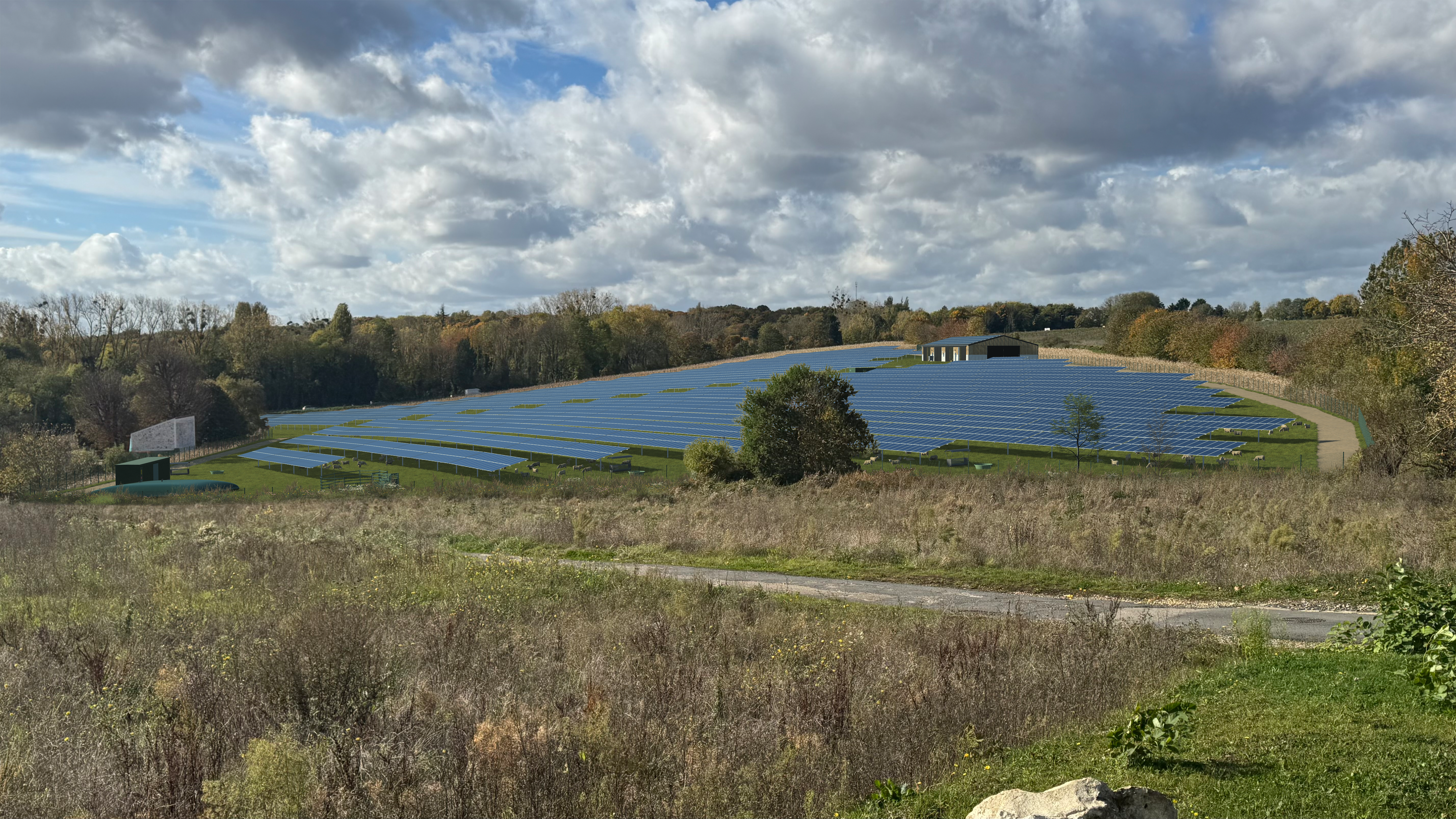
All of the solar project geometry are from NDunes.
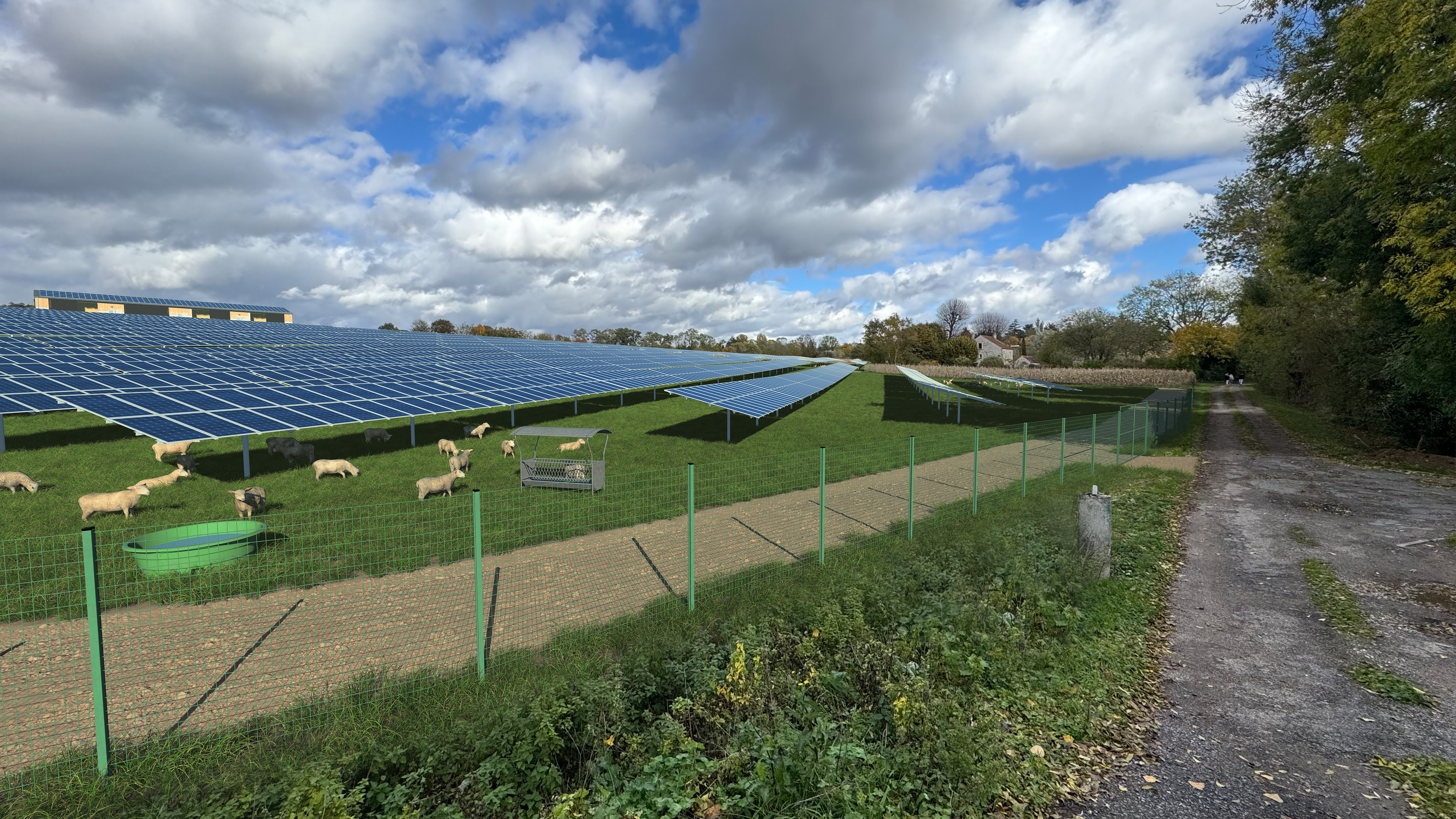
A closeup shot of the same solar project from another view.
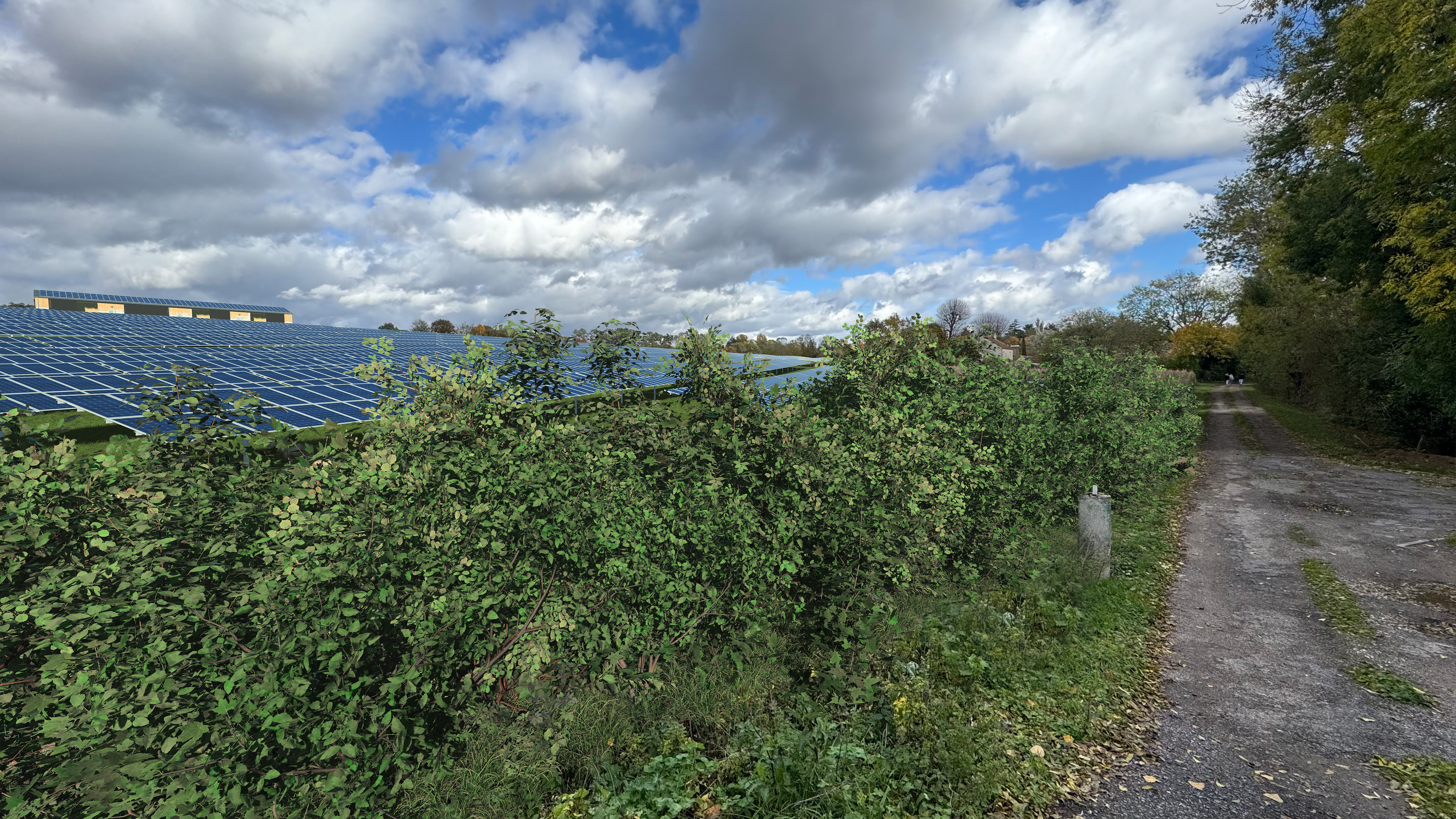
You can add 3D elements into your NDunes and just render the corresponding elements easily. Here we added a landscape hedge.
 Photomontage workflow Photomontage workflow | Camera setup |
